Employee: Default Work Request Notifications Settings
To set default job notifications settings for an employee, follow the steps below.
- Select My Messages from the main menu at the top of the screen, as shown below.

- Select Notification Defaults option from the sub menu, and the Default Notifications Settings page is displayed, as below.
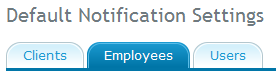
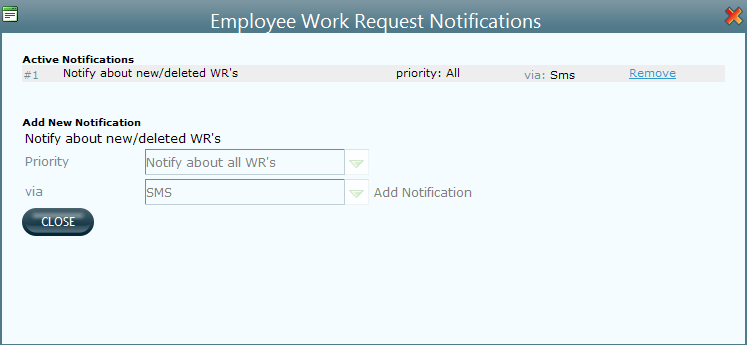
- Select Employees tab, and you can see Work Request Notifications list. Click on Setup button and Employee Work Request Notifications dialog is displayed, as shown below.
-
You can see the existing notifications in Active Notifications list. You can click on remove link corresponding to target notification, to delete it from the list.
- To add a new notification, select details of priority, and how it was assigned (sms, fax or phone).
- Click on Add Notification link to add a new notification.
- Click on Close to close this window.
See work request notifications preferences for an employee, for more details.